Emergency Notification System
Brave Alert
Brave Alert is UNC Pembroke's official emergency notification system, providing timely alerts about campus emergencies, closures and severe weather. Depending on the nature of the emergency, alerts may be sent via university email, text message, social media, digital signage, the university website, The Nest, campus sirens or a combination of several media. This multi-channel approach ensures we can quickly reach as many members of BraveNation as possible during urgent situations.
Recent Notifications
UNCP to Resume Normal Operations Tuesday, March 17
UNCP will resume normal operations at 12:01 a.m. Tuesday, March 17. Classes, campus activities and events will proceed as scheduled. The university does not anticipate sending additional updates regarding this weather event unless conditions warrant.
In-Person Classes Canceled After 11 A.M.; UNCP Moving to Condition 1
UNCP will move to Condition 1 (Reduced Operations) today, Monday, March 16, beginning at 11 a.m. All in-person classes scheduled after 11 a.m. are canceled due to the heightened possibility of significant rain, high winds and tornadoes across portions of North Carolina this afternoon.
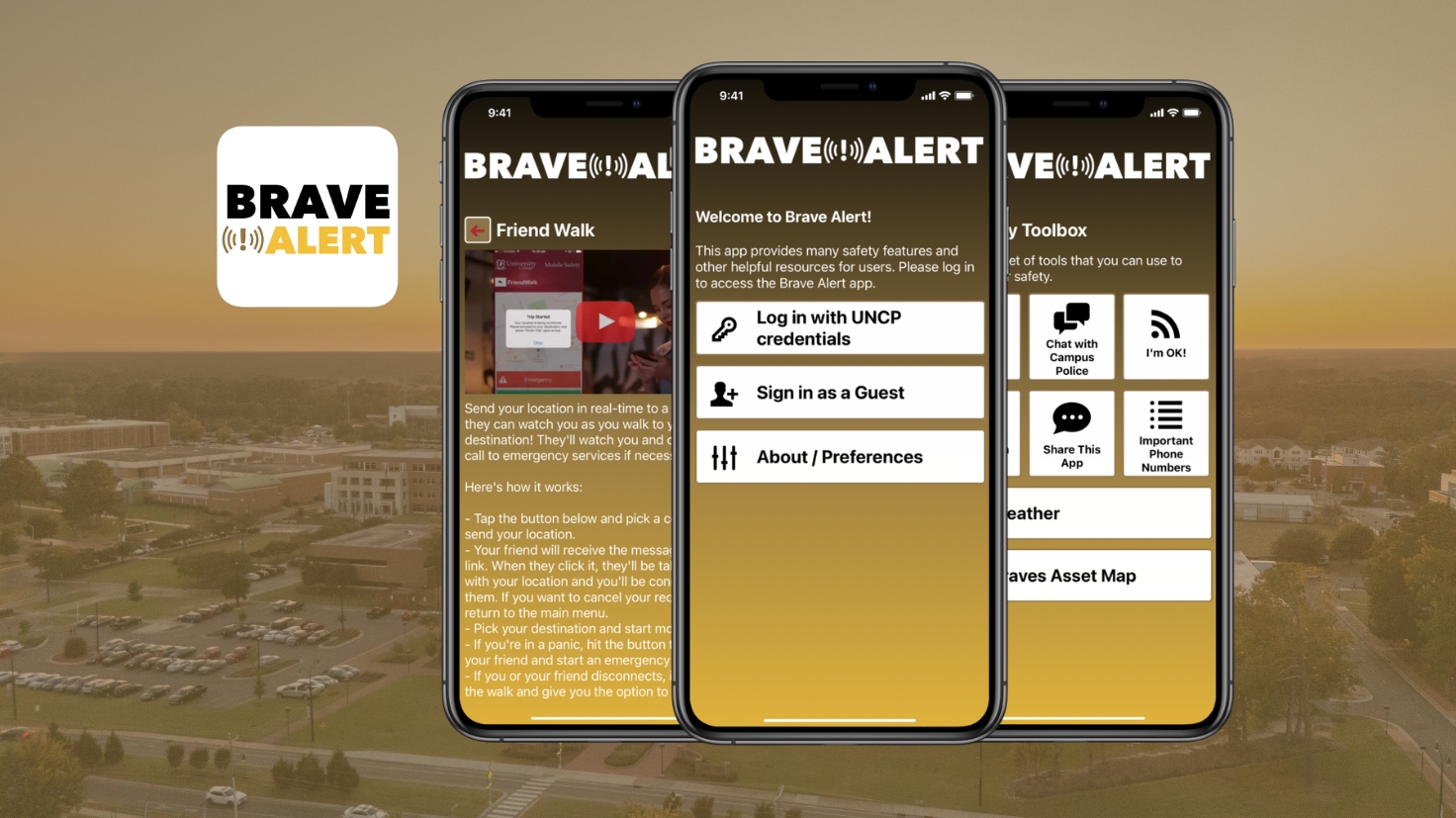
UNCP Launches Brave Alert Campus Safety App
UNC Pembroke has introduced a free mobile app as the latest enhancement to its Brave Alert emergency notification system, expanding how the university communicates critical information and supports campus safety.
Brave Alert FAQ's
Brave Alert is UNC Pembroke's official emergency notification system. It is used to quickly inform students, faculty and staff of any situation that may pose a threat to campus safety or disrupt university operations. Alerts are sent only in urgent situations, such as severe weather, campus closures or security threats.
Brave Alerts are sent through multiple channels to ensure messages reach as many people as possible:
- UNCP email
- Text message (SMS)
- Push notifications via the Brave Alert app
- UNCP's official social media channels
- Digital signage across campus
- Outdoor alert sirens, if immediate action is needed
Brave Alerts are issued only for emergencies or disruptions that require immediate attention or action. Examples include:
- Campus lockdowns or evacuations
- Severe weather warnings
- Utility outages or hazardous material incidents
- Campus closures due to emergency situations
All students, faculty and staff are automatically enrolled using their UNCP email address. To receive text messages or push notifications, update your mobile number in Banner Self Service through MyUNCP and download the BraveAlert app.
Read the message carefully and follow any instructions immediately. Brave Alerts are designed to give you timely, accurate information to help you stay safe. For additional updates, monitor UNCP email, social media and the university homepage at uncp.edu.
During a campus emergency, UNCP activates the Emergency Information Hotline at 910.521.6888 to provide timely updates and essential information.
This line is only active during significant events or crises.
These sirens sound if the university issues an emergency warning because of a significant threat to safety or health affecting the campus community, such as:
- An armed and dangerous person on or near campus;
- A major chemical spill or hazard;
- A tornado warning for Pembroke and surrounding areas;
- During biannual testing; or
- Any emergency, as determined by UNCP Police & Public Safety.
Be prepared to:
- Immediately seek shelter inside.
- Close windows and doors.
- Stay until further notice.
- Follow any specific instructions provided.
In the case of a tornado warning:
- Seek shelter immediately.
- Move to an interior room on the lowest floor of a sturdy building.
- Avoid windows.
- If no shelter is available, lie down in a low-lying area.
- Protect yourself from flying debris.
The sirens also broadcast short, pre-recorded voice messages. During an emergency, the sirens may sound multiple times in order to provide additional information or updates on the status of the emergency.
When the threat is over, the sirens will sound again with a different tone to announce along with the voice message: “All clear. Resume normal activities.” The timing will depend on how fast emergency responders can determine that a threat is over.
Emergency messages are sent by state and local governments and the National Weather Service via television, radio, weather radios, social media and alerts on cellular phones. Make sure you have a way to monitor severe weather conditions and receive emergency alerts at all times.
The Emergency Alert System (EAS) broadcasts emergency messages via radio and TV. Participation by radio and TV stations is voluntary, but organizations that join the EAS must agree to the follow rules in the North Carolina Emergency Alert System Plan.
Broadcast stations also join in required weekly and monthly tests to show they can send EAS messages to their viewers and listeners. Messages can be sent at the national, state or local levels. Most of the time, the system is used on a regional level for weather emergencies. It can also be used on a statewide level for monthly tests or child abduction alerts.
The National Oceanic and Atmospheric Administration (NOAA) airs constant weather information to specially designed NOAA weather radios. The information comes from local National Weather Service offices. The NOAA radios give timely, correct details weather threats that may be near a certain area. You can buy NOAA weather radios at local electronics stores. These radios are key tools to being ready for emergencies.
Other Resources include:
Download the Free Brave Alert App
Brave Alert is UNCP’s official emergency notification system, delivering timely alerts during severe weather and other campus emergencies while providing direct access to safety tools through the Brave Alert mobile app.
With the app, you can receive campus-wide alerts and access features including one-tap calling to UNCP Police or 911; Mobile Blue Light to call UNCP Police while sharing your location in real time; Friend Walk to share your location with trusted contacts during a timed walk; and Virtual Walk to request UNCP Police monitor your walk in real time when needed. You can also submit anonymous tips and quickly access campus safety resources and emergency procedures. Location sharing only occurs when you initiate a Friend Walk or Virtual Walk session, or request assistance through the app.
How to Download
-
Search for Brave Alert in the Apple App Store or Google Play Store.
-
Log in using your UNCP email address (students, faculty and staff).
-
Enable push notifications.
Parents and families may also download the app and select the Parent or Guest role to receive campus alerts.
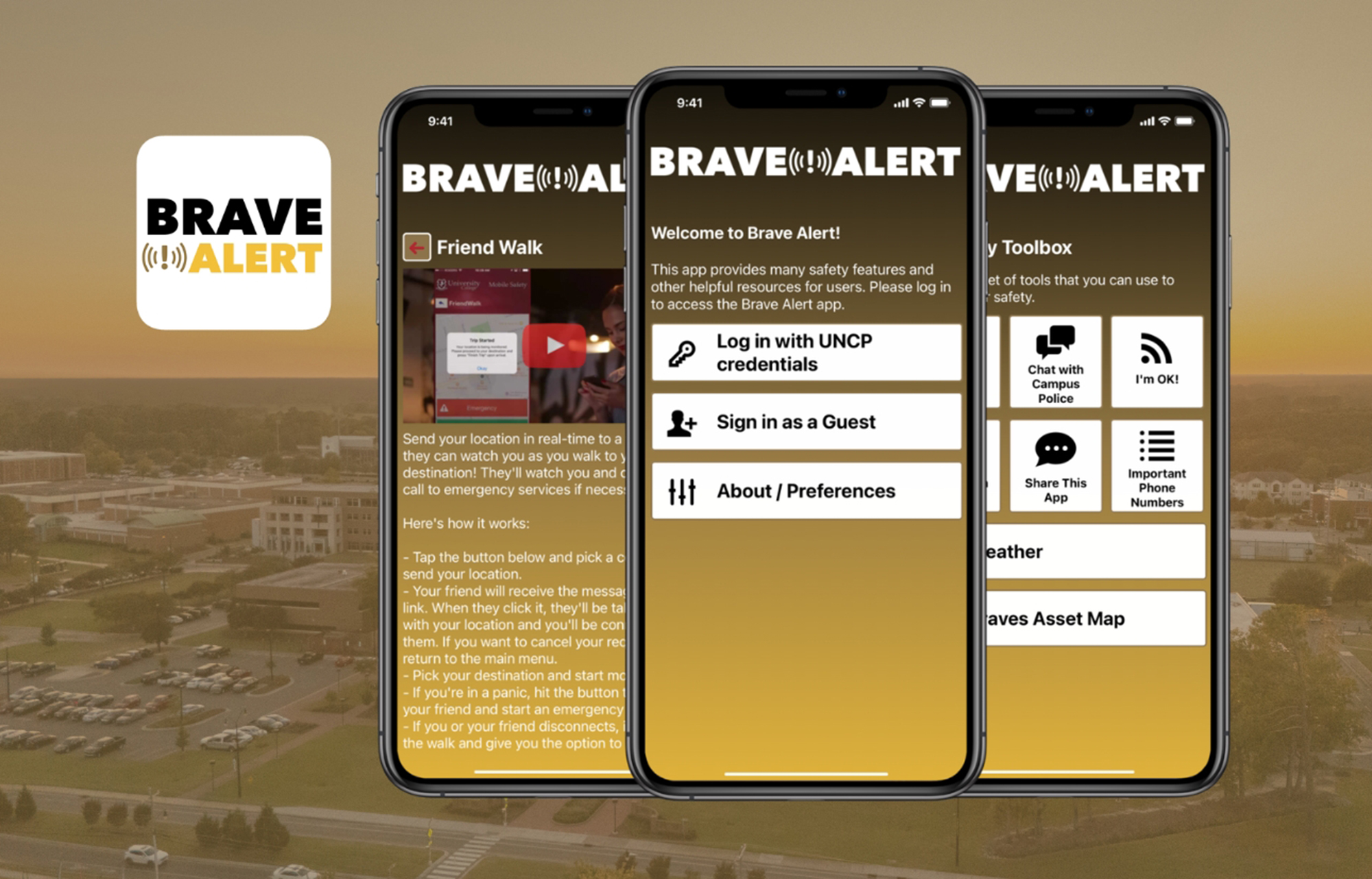
Brave Alert App: Frequently Asked Questions
Find answers to common questions about how the Brave Alert mobile app works, including privacy, notifications and safety features.
The Brave Alert app is UNCP's official mobile safety app and an extension of the university's emergency notification system. It allows students, faculty and staff to receive campus-wide emergency alerts directly on their smart phones and connect quickly with UNCP Police.
Brave Alert emergency alerts (texts, emails, voice messages) are the university's official method for communicating urgent safety information. The Brave Alert app is an optional, enhanced mobile tool that extends this system by offering real-time alerts, safety features and direct connection to UNCP Police & Public Safety.
No. Students, faculty and staff are automatically enrolled in Brave Alert email emergency notifications, but must opt-in to text messages and calling. The app is optional, but strongly encouraged, as it provides the fastest access to alerts and additional safety tools.
Filling out the user profile will help UNCP Police in emergency situations. For example, if you lose connection with campus police or if your identity is needed because you are in distress. If you use the emergency button, UNCP Police will have immediate access to your name and contact information.
- One-tap calling to UNCP Police or 911
- Mobile Blue Light: Simultaneously send your location to and call UNCP Police. They will receive your location in real-time and talk to you on the phone.
- Friend Walk: Share your location with trusted contacts during a timed walk.
- Virtual Walk: Request that UNCP Police monitor your walk in real time if needed.
Location sharing only occurs during an active Virtual Walk session that you initiate. - Quick access to campus safety resources and emergency procedures
The Brave Alert app must access your location in order to allow you to raise alerts or use a check-in timer. Note that your location is only shared when you raise an alert or use the walk tracking features. Even then, your location is only shared with UNCP responders. Your right to privacy is always respected and you can cancel any alert or check-in at any time. We recommend this is set to “Always Allow Access” on location as this allows the app to run in the background while you're checked-in or using a check-in timer.
No. Your privacy is important. Brave Alert does not continuously track your location. Location information is only shared when you:
- Make an emergency call through the app
- Are actively using the Virtual Walk, Mobile Blue Light and Friend Walk features.
Push notifications are strongly recommended to ensure you receive alerts, safety timer reminders and responses from UNCP Police.
When you select the “Call 911” button from the Emergency Contacts screen, a confirmation bubble will appear with the option to either “Call” or “Cancel”. This will help ensure that users do not accidentally call 911 if it is not an emergency. Once you place the call to 911, safety officials at UNCP will receive information about your call such as your location (if location services are turned on). This will help first responders reach you quicker in the event of an emergency.
Who Should I Contact?

Environmental Health & Safety
EH&S promotes a safe and healthy campus through training, compliance oversight and risk prevention.
Call: 910.521.6792
Email: safety@uncp.edu
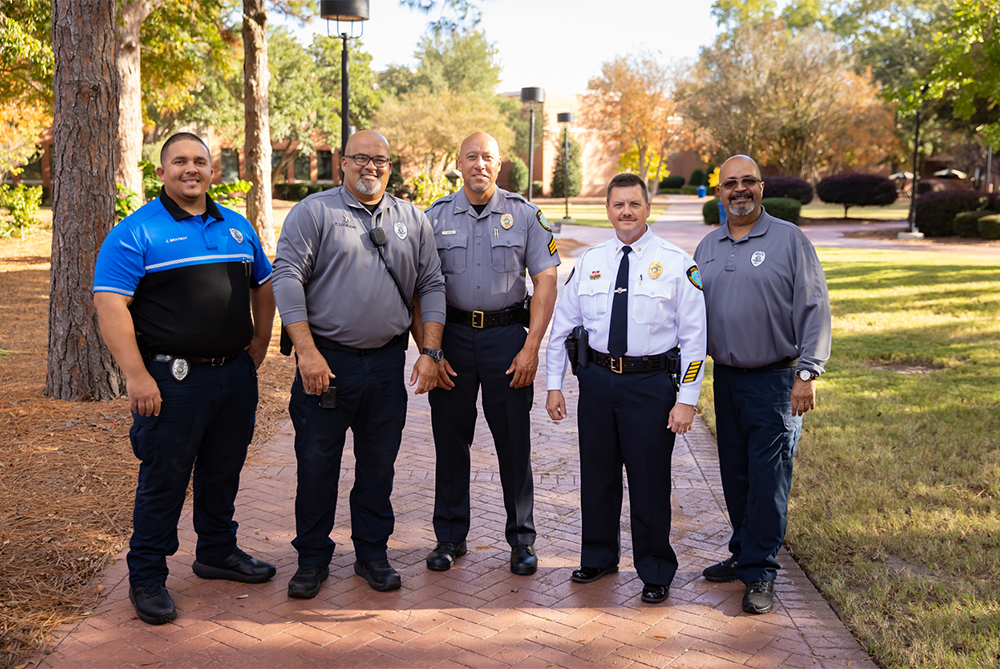
Campus Police & Public Safety
A full-service law enforcement agency responsible for protecting life and property on the UNC Pembroke campus.
Call: 910.521.6235
Email: police@uncp.edu
Communications & Marketing
In the event of an emergency, UCM crafts and distributes timely, accurate information to keep the campus and broader community informed.
Call: 910.521.6533
Email: askuncp@uncp.edu